PHOENIX
1.
OVERVIEW
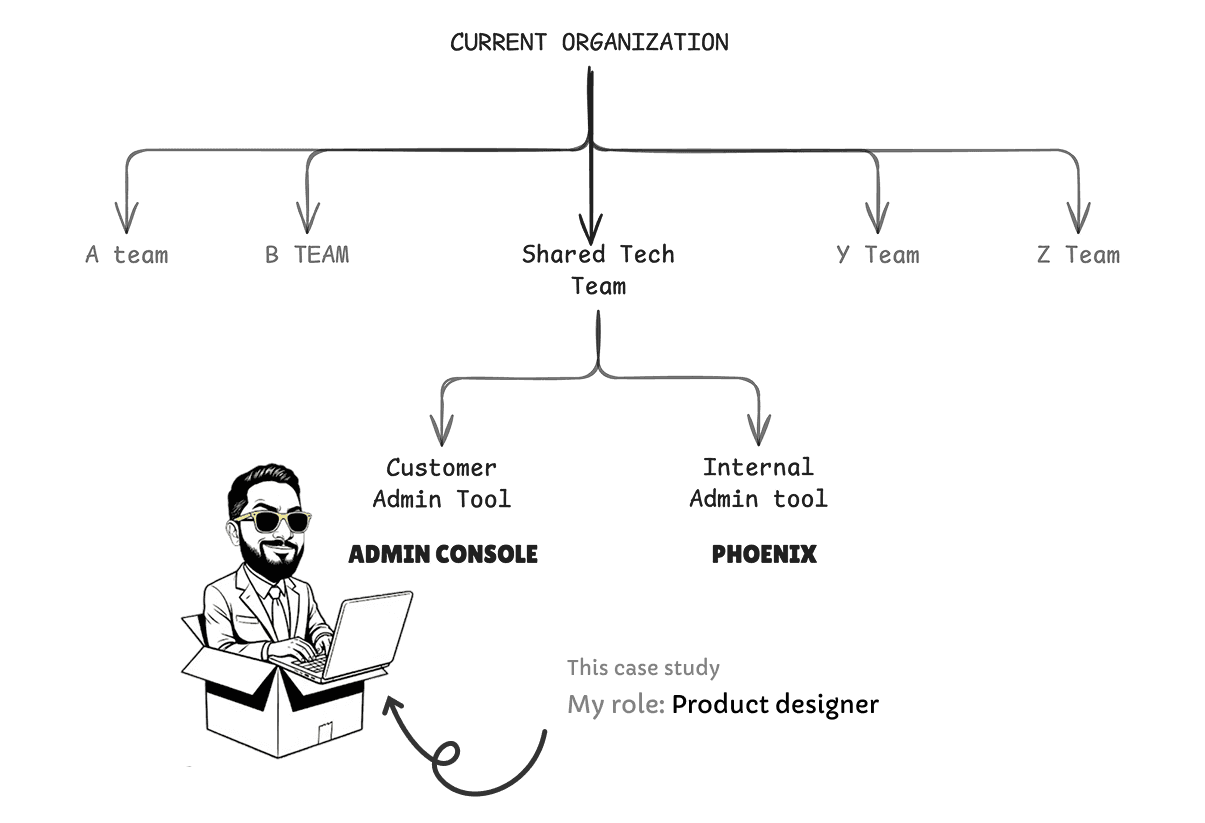
This case study showcases how I designed a practical console for a leading publishing company to help their internal admins manage their end users, products and tools.
Self-Service capabilities have been identified as a key pain point for Librarians(Our majority end users)
In a user research we found out 5 key improvement areas in self-service capabilities
Out of those, Usage and Access were most important
A self-service solution has great commercial potential especially in tier 3-4 institutions
48% of Customer Service queries are from librarians are related to access
We needed to further understand how can we improve the user experience for our librarians when it comes to managing access for their users.
We also wanted to understand how and if a centralized portal for access management, usage reporting, and contacting Customer Support will help streamline their workflow.
Design System Maturity: The project served as the pilot for a new design system. I balanced high-fidelity product delivery while simultaneously contributing core components back to the system to ensure future scalability.
Navigating Organizational Complexity: In a large-scale enterprise environment with a complex hierarchy, I managed multi-layered approval workflows and maintained momentum through extensive asynchronous feedback cycles.
Pioneering Research-Led Design: Faced with a process that initially lacked user validation, I successfully integrated a tight UX research loop into the "from-scratch" design phase, ensuring the final product was grounded in user needs rather than assumptions.
Technical Ambiguity: Parallel backend revamping and evolving data models led to frequent shifts in product terminology. I and our researcher acted as a bridge between engineering and design to ensure front-end consistency despite the shifting roadmap.
4.
Designing Navigation
Our organization only used horizontal navigation for most of their products.
But, In case of admin console we chose left panel navigation, because it’s an established pattern on dashboards for seamless navigation and scalability.
Scalability was the main concern and we were not sure about the categories and information architecture at that point.
Then, we came up with the first version, It was crude, we didn’t know much about how categories are related with each other.
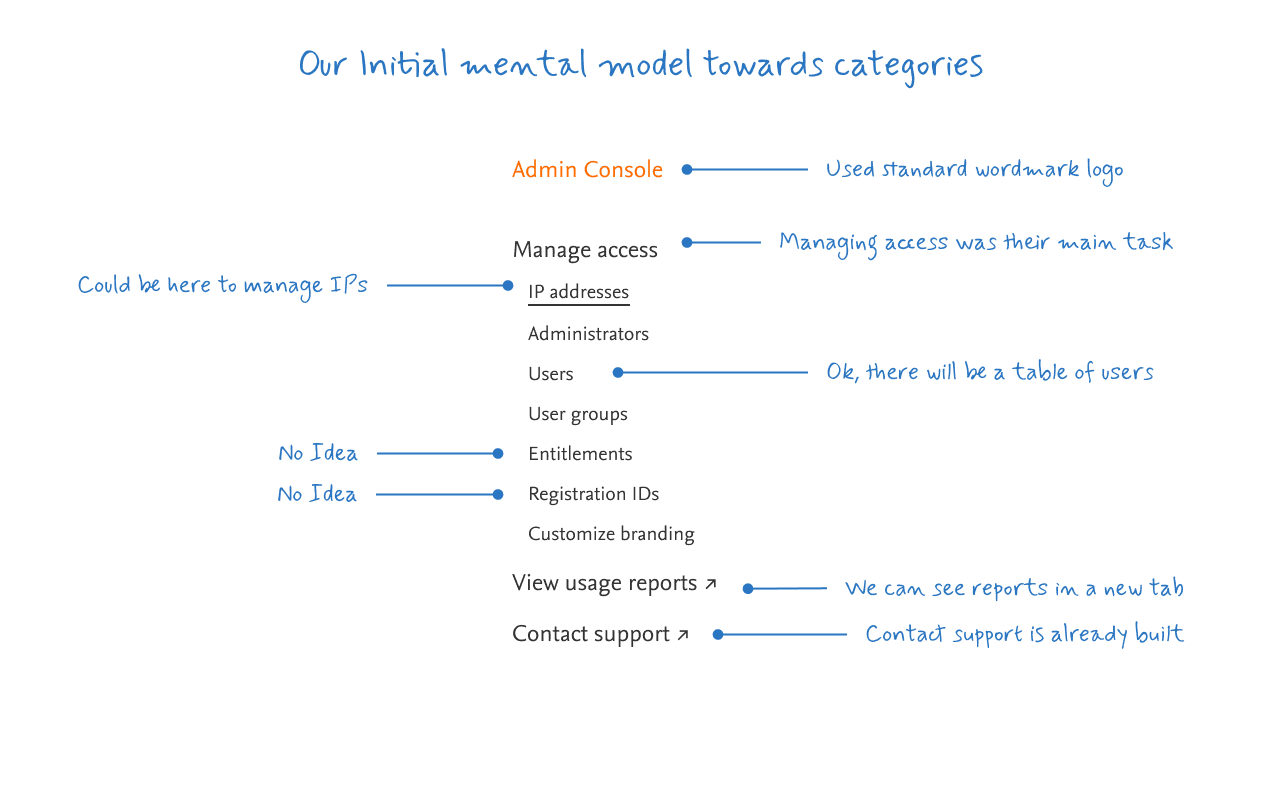
Now that we had basic items defined, we further explored the scope of features to include in navigation with the help of UX Researcher.